Vector Art for Embroidery: Why Clean Artwork Matters
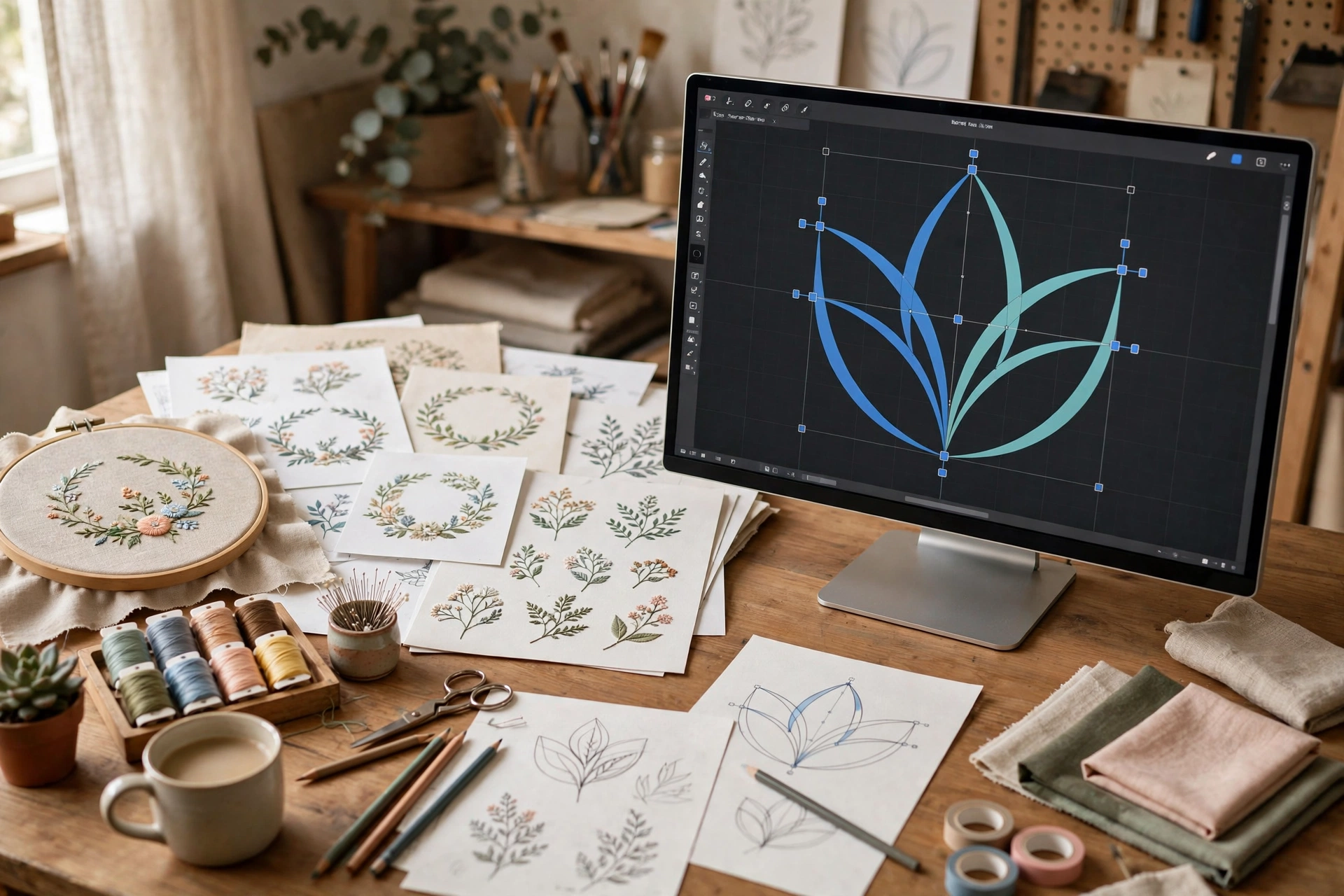
Before a single stitch is sewn, embroidery quality is decided by the artwork. Vector art for embroidery — clean, scalable artwork built from paths instead of pixels — is the gold standard that professional digitizers prefer to work from.
Vector vs Raster: What’s the Difference?
Raster images (JPG, PNG) are made of pixels. Enlarge them and edges turn blurry — and a digitizer can’t measure a blurry edge accurately. Vector files (AI, EPS, SVG, PDF) use mathematical paths, so every curve stays razor-sharp at any size. When you digitize a logo for embroidery, sharp vector edges mean precise stitch placement.
How Vector Art Improves Digitizing Quality
- Sharper edges: clean paths let the digitizer trace exact shapes — no guessing at fuzzy borders.
- Perfect scaling: resize the artwork for caps, chests, or jacket backs without losing detail.
- Cleaner colors: vector files separate colors precisely, so thread changes match the design.
- Faster turnaround: digitizers spend less time redrawing, so your file comes back sooner.
When Do You Need Vector Conversion?
You need your artwork converted to vector when you only have a low-resolution JPG or PNG — a screenshot, a photo of a printed logo, or an old file. Signs your art needs conversion:
- Edges look blurry or pixelated when zoomed in.
- Text in the logo isn’t selectable as text.
- Colors bleed into each other without clean separations.
What Makes a Good Vector File for Embroidery?
Not all vectors are embroidery-ready. A good vector art for embroidery file has simplified shapes, minimal anchor points, flat colors (no gradients or shadows), and text converted to outlines. Overly complex vectors with hundreds of tiny paths still need cleanup before digitizing.
Vector Art vs Digitizing: Don’t Confuse Them
Vector conversion and digitizing are two different steps. Vector art is clean artwork; digitizing turns that artwork into stitch data (like DST, PES, or EXP files) your machine can sew. You need the vector first, then the digitized file.
Get Your Artwork Vectorized
Stuck with a blurry JPG? Our vector art service manually redraws your logo as clean, embroidery-ready vector art — fast turnaround, affordable pricing.
FAQs
Can I embroider directly from a JPG?
A digitizer can work from a JPG, but blurry or low-resolution images produce less accurate stitch files. Vector art always gives better results.
What vector formats do digitizers accept?
AI, EPS, SVG, and PDF are the most common. CorelDRAW (CDR) files are also widely used in the embroidery industry.
How much does vector conversion cost?
Professional vector conversion typically costs $10–$35 depending on complexity — see our 2026 pricing guide.
Is auto-traced vector art good enough?
Auto-tracing creates messy paths with thousands of anchor points. Hand-drawn vector conversion is much cleaner and digitizes far better.