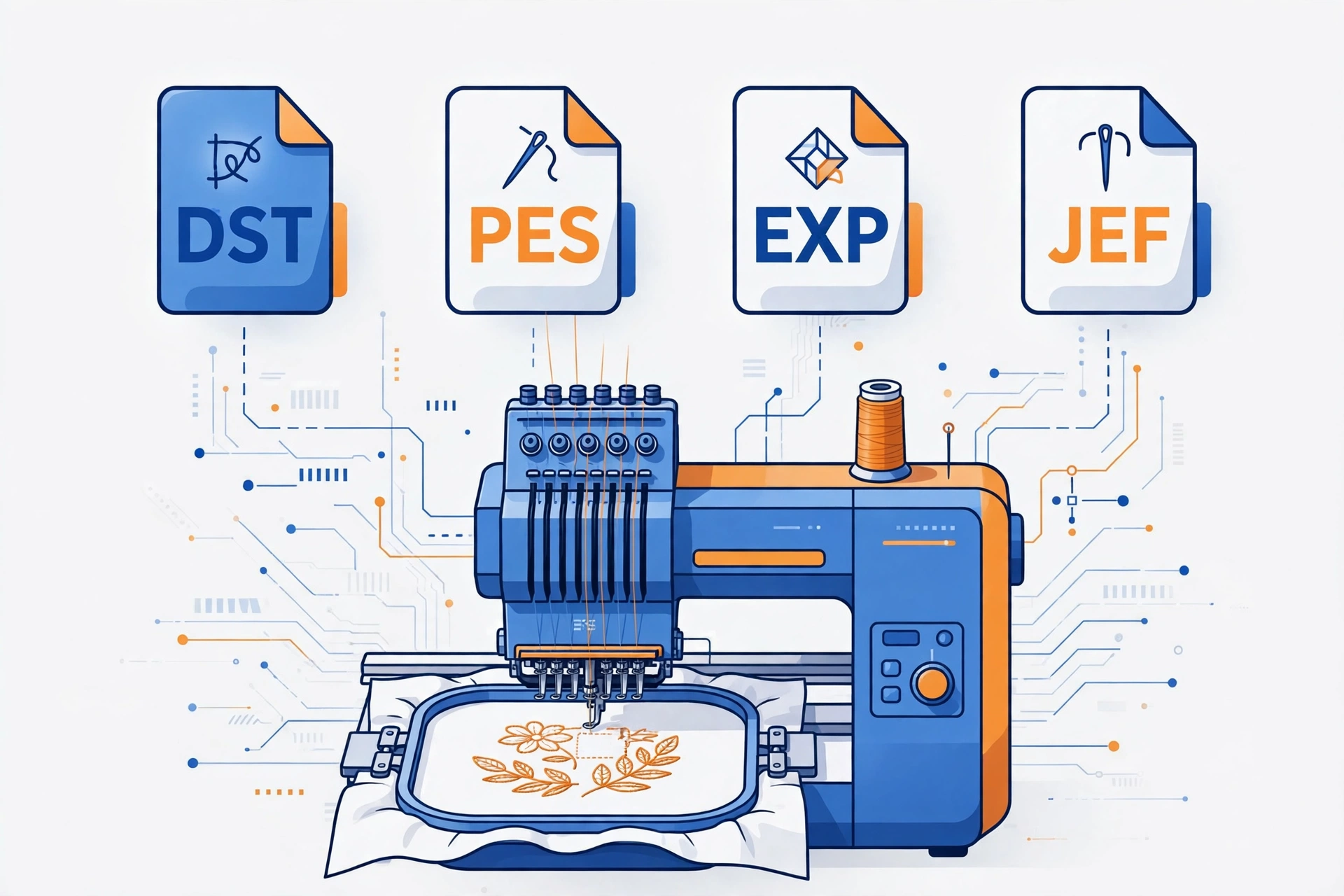
You downloaded a beautiful embroidery design, loaded it onto your USB stick, plugged it into your machine — and nothing happened. Or worse, an error: “file not recognized.” Before you blame the design, check the file format. Understanding embroidery file formats is the single most practical skill a machine owner can learn, because every machine only reads the formats it was built for. A Brother will not read a JEF file; a Janome will not read a PES file. Get the format wrong and even a perfect design will never stitch.
In this guide, we break down the main embroidery file formats — DST, PES, EXP, JEF, VP3, HUS, and XXX — in plain language: what these files contain, which format your machine needs, whether conversion works, and what to tell your digitizer so you always get the right file first time.
What Is an Embroidery File Format, Really?
An embroidery file format is not a picture — this is the most important thing to understand. A JPG tells a screen which pixels to light up; an embroidery file tells a machine where to push a needle. It holds machine-readable stitch data: thousands of X-Y coordinates marking every needle penetration, plus commands for jumps, trims, and color changes.
That is why you cannot simply rename a JPG to .PES and expect it to stitch. Turning artwork into stitch data is a separate skilled process called digitizing — a digitizer recreates your artwork stitch by stitch, choosing stitch types, directions, densities, and underlay for your fabric. The format is just the container carrying those instructions to your machine, and different brands built their own containers, which is why so many formats exist.
The Main Embroidery File Formats, One by One
DST — The Commercial Standard (Tajima)
DST, short for DataStitch, was developed by Tajima and is the closest thing the industry has to a universal format. Nearly every commercial embroidery machine reads DST files. If you run a Tajima, Barudan, SWF, or Happy, DST is your everyday format. One quirk: a DST file does not store thread color names — it records color changes as simple “stop” commands, so your machine pauses while you load the next color — completely normal on multi-needle machines.
PES — Brother (and Baby Lock)
PES is the native format for Brother embroidery machines, from the PE and SE series up to the Luminaire and Stellaire lines. Baby Lock machines also read PES. One thing that trips up beginners: PES has gone through many versions, and a file saved in a very new version may not open on an older machine. Always mention your exact model when ordering so your digitizer saves the pes embroidery file in a compatible version.
EXP — Melco
EXP is the native format for Melco commercial embroidery machines — a production-grade format like DST. If you own a Melco, EXP is the format to ask for, and most digitizing services deliver it alongside DST for commercial clients.
JEF — Janome (and Elna)
JEF is Janome’s native format, also used by Elna and some Kenmore machines. If you stitch on a Janome Memory Craft, JEF is what your machine wants. Janome machines are strict — a PES or DST file on the USB stick simply will not be recognized, the cause of most “file not recognized” panic for new Janome owners.
VP3 and HUS — Husqvarna Viking
Husqvarna Viking uses VP3 on modern machines (Designer series and newer) and the older HUS format on legacy models — roughly, anything over fifteen years old needs HUS. When in doubt, tell your digitizer the model; supplying both VP3 and HUS costs nothing extra from a good service.
XXX — Singer
XXX is the format for older Singer embroidery machines, such as the Futura and Quantum series. If you inherited or bought a used Singer, XXX is very likely what it reads. A few other legacy formats exist (VIP for old Viking/Pfaff, PCS for older Pfaff), but the six above cover the vast majority of machines.
Which Format Does YOUR Machine Need?
Here is the quick match list. Find your brand, note the format, and you will never stare at a “file not recognized” error again:
- Brother or Baby Lock → PES (mention your exact model for version compatibility)
- Janome, Elna, or Kenmore → JEF
- Husqvarna Viking (modern) → VP3; older Viking models → HUS
- Singer (embroidery models) → XXX
- Tajima, Barudan, SWF, Happy, or other commercial machines → DST
- Melco → EXP
- Bernina → EXP on modern machines (check your manual; some older models differ)
Still unsure which format for Brother machine models like the PE-900, or which format for Janome Memory Craft 550E? Your manual lists supported formats in its importing-designs section — and when ordering, naming your machine model is enough for a digitizer to deliver the right one.
Can You Convert Between Embroidery File Formats?
Yes — converting between stitch formats is straightforward and does not damage the design, because conversion re-encodes the exact same stitches into a different container. A design converted from PES to JEF keeps identical needle penetrations, in the same order, with the same commands. Only the file wrapper changes. So if you own a design in the wrong format, conversion — in embroidery software or by your digitizer — solves it cleanly.
Three quality notes matter here. First, conversion cannot fix a badly digitized design — if the original stitches are poor, every converted copy is equally poor. Second, some machines have design-size or stitch-count limits, so a huge converted design may still need resizing for your hoop. Third, always run a test stitch after converting, on scrap fabric, before committing to the real garment. And remember the golden rule: converting between embroidery file formats is easy, but turning an image (JPG/PNG) into stitches is not conversion at all — that is digitizing, and it requires a digitizer.
What to Tell Your Digitizer When You Order
Getting the right format is about giving the right information up front. When you order from an embroidery digitizing service, include these six details for a file that loads on the first try:
- Your machine brand and exact model (for example, “Brother PE-900” or “Janome Memory Craft 550E”).
- The format you need — or just the machine model, and let the digitizer choose.
- The finished design size in inches or millimeters, and your hoop size.
- The fabric and garment it will stitch on (cap, polo, jacket, towel — each needs different settings).
- Thread colors or a color chart reference.
- Your deadline — and if you are curious how long digitizing takes, most standard designs are delivered within 24 hours.
A professional digitizer will usually deliver your requested format plus DST as a backup, at no extra charge. New machine from a different brand later? Just ask for the design in the new format — reconverting takes minutes. For typical digitizing cost, converting an existing design is normally free or very cheap; you mainly pay for the original digitizing work.
Frequently Asked Questions
Can I use a PES file on my Janome machine?
No. Janome machines only read JEF, so a PES file will not be recognized. Convert it with embroidery software, or ask your digitizer for the JEF version — most supply it free.
Will converting a file damage the design quality?
No. Converting between embroidery file formats re-encodes the identical stitches, so quality is preserved — though it cannot improve a poorly digitized original. Always test-stitch on scrap fabric first.
What is the most universal embroidery file format?
For commercial machines, DST — almost every industrial machine reads it. But “universal” is not “best for you”: home machines need their native format (PES for Brother, JEF for Janome), so always prioritize what your machine reads.
Can I just rename a JPG to .PES to make it stitchable?
No — renaming changes nothing inside the file. A JPG contains pixels, not stitch coordinates. The artwork must be digitized: recreated as stitch data by a digitizer. Only then do you have a real embroidery file.
My machine says “file not recognized.” What should I do?
Check three things: (1) Is it a format your machine supports? (2) If PES, is the version too new? (3) Is the design bigger than your hoop limits? Nine times out of ten it is simply the wrong format — get the correct one and the design will load.
Conclusion
Embroidery file formats sound technical, but the concept is simple: your machine speaks one language, and the file must speak it too. Learn your format from the list above, remember a JPG is never a stitch file, and always give your digitizer your exact machine model — then format problems disappear for good.
Need a design in DST, PES, EXP, JEF, VP3, or XXX? Order any format from just $10 at ndigitizing.com — every order is delivered in all the machine formats you need, digitized by hand for clean, production-ready stitching.