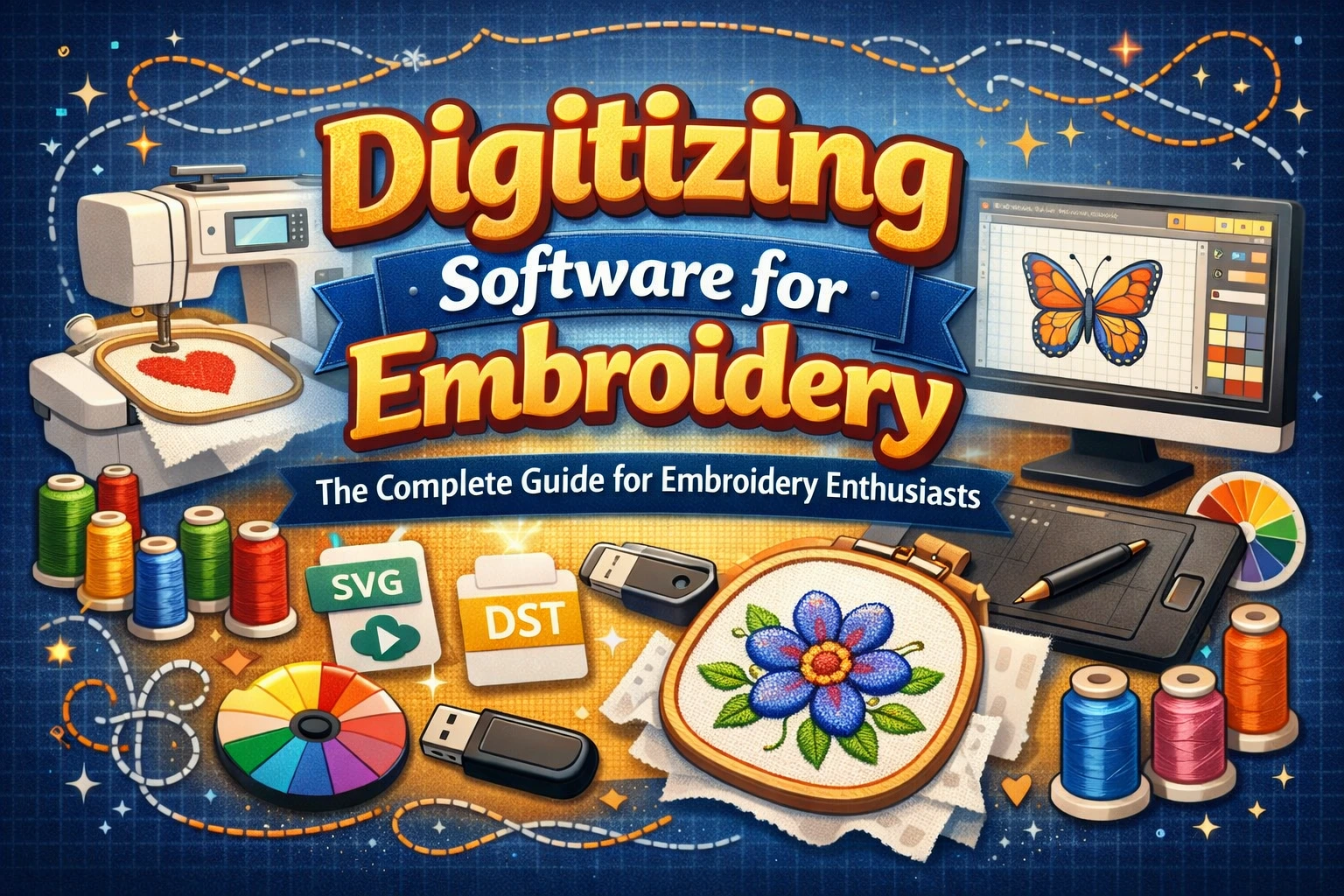
Embroidery digitizing has revolutionized the world of creative stitching. Gone are the days when embroidery was done entirely by hand. Today, digitizing software for embroidery allows designers to transform any artwork, logo, or image into a stitch-ready digital file that embroidery machines can understand. Whether you’re a hobbyist or a professional digitizer, the right software makes all the difference – improving accuracy, creativity, and production speed.
In this guide, we’ll explore what embroidery digitizing software is, how it works, the best options available, and why it’s a game-changer for both embroidery digitizers and business owners.
What Is Embroidery Digitizing Software?
Embroidery digitizing software is a specialized program that converts artwork or images into a stitch file format. This digital file tells your embroidery machine where, how, and when to place each stitch – from simple satin stitches to complex 3D puff embroidery.
Think of it as the “translator” between your design and the embroidery machine. With the right software, you can control every detail, including:
- Stitch type (satin, fill, run)
- Stitch direction and density
- Color changes
- Underlay and pull compensation
For example, if you have a business logo in PNG format, digitizing software can transform it into a DST, PES, or EXP file compatible with your embroidery machine.
Key Features to Look for in Digitizing Software
When choosing digitizing software for embroidery, focus on these essential features:
Auto and Manual Digitizing Options
Good software should allow both automatic digitizing (for quick results) and manual digitizing (for full control). Auto-digitizing is ideal for simple shapes, while manual digitizing is preferred for professional results and complex designs.
Editing and Customization Tools
Look for tools that let you:
- Resize designs without losing stitch quality
- Adjust stitch density and direction
- Merge or separate elements of a design
- Add lettering or borders easily
File Format Compatibility
Ensure the software supports popular machine formats like DST, PES, EXP, JEF, VP3, and HUS, so you can work with different embroidery machines.
Preview and Simulation Mode
This feature helps you visualize how your design will look when stitched. It can save you from errors and wasted materials.
Vector and Image Support
Support for vector files (like SVG, AI, or EPS) is crucial, as many logos and artwork designs are created in vector format.
Top Digitizing Software for Embroidery in 2025
Wilcom Embroidery Studio
Widely considered the industry leader, Wilcom offers professional-level tools for detailed digitizing, lettering, and design editing. It’s perfect for commercial embroidery businesses looking for precision and advanced features.
Key Highlights:
- High-end manual digitizing tools
- Auto-digitizing with intelligent stitch recognition
- Extensive font library and color management
- Compatible with major embroidery machine brands
Embird
Embird is an affordable and modular software perfect for both beginners and professionals. It allows users to start small and add advanced modules as they grow.
Key Highlights:
- Easy-to-use interface
- Modular pricing system
- Great for hobbyists and small shops
- Supports multiple file formats
Hatch Embroidery Software
Developed by Wilcom, Hatch is designed for small business owners and home embroiderers. It’s beginner-friendly but still powerful enough for detailed custom work.
Key Highlights:
- Drag-and-drop interface
- Built-in learning tools and tutorials
- Great balance between automation and control
Brother PE-Design
Specifically made for Brother machines, this software is ideal for home-based embroidery creators. It integrates well with Brother’s embroidery systems and offers versatile design options.
Key Highlights:
- Great for beginners
- Built-in lettering and monogram tools
- Seamless connection to Brother embroidery machines
SewArt
SewArt is a simple, low-cost digitizing software that automatically converts images into embroidery files. It’s perfect for beginners learning the basics of digitizing.
Key Highlights:
- Affordable and lightweight
- Auto-digitizing for basic projects
- Easy to learn and use
How Digitizing Software Helps Embroidery Digitizers and Clients
For embroidery digitizers, this software is the foundation of their craft. It allows them to:
- Deliver precise, professional-quality designs
- Work faster with auto-digitizing and editing tools
- Offer clients multiple design variations and quick revisions
For clients and business owners, digitizing software means:
- Faster turnaround times
- Better consistency in embroidery quality
- Customization options that match branding needs perfectly
In short, high-quality digitizing software bridges creativity and technology – turning ideas into beautiful embroidered realities.
Tips for Choosing the Right Software
- Start with your skill level: Beginners should choose user-friendly software like Hatch or SewArt.
- Check machine compatibility: Ensure your chosen program supports your embroidery machine’s file format.
- Consider your budget: Professional-grade tools like Wilcom are expensive but offer top-tier features.
- Look for support and tutorials: Good customer support and learning resources help you grow faster.
Conclusion
The right digitizing software for embroidery can transform how you create, edit, and produce designs. It gives you the tools to achieve cleaner, more professional results while saving time and effort. Whether you’re running an embroidery business or just getting started, investing in quality digitizing software is one of the smartest decisions you can make.
If you want perfectly digitized designs without the learning curve, our embroidery digitizing services are here to help. Contact us today to get your designs professionally digitized – with fast turnaround and guaranteed quality!
FAQs
What is embroidery digitizing software, and why is it important?
Embroidery digitizing software is a specialized program that converts artwork or images into stitch-ready files for embroidery machines. It allows designers to control every detail of a design, from stitch type and density to color changes and underlay. This software is crucial because it transforms designs into machine-readable files, streamlining the embroidery process and ensuring precision and quality.
What are the key features to look for in digitizing software?
When selecting digitizing software, consider features like:
- Auto and Manual Digitizing for control over simple or complex designs.
- Editing and Customization Tools to adjust size, stitch density, and direction.
- File Format Compatibility to ensure the software works with your embroidery machine.
- Preview and Simulation modes to visualize the design before stitching.
- Vector and Image Support for working with high-quality logos and artwork.
What are the best embroidery digitizing software options in 2026?
Some of the best options include:
- Wilcom Embroidery Studio for advanced professional-level tools.
- Embird for an affordable and modular solution.
- Hatch Embroidery Software for small businesses and beginners.
- Brother PE-Design for users with Brother machines.
- SewArt for beginners who need simple, auto-digitizing features.
How does embroidery digitizing software help businesses and clients?
Digitizing software enhances businesses by speeding up design creation, offering quick revisions, and providing clients with precise, high-quality results. For clients, it ensures faster turnaround times, better consistency, and designs that match branding needs perfectly. Overall, it bridges creativity and technology to deliver exceptional embroidery projects.
How can I choose the right embroidery digitizing software for my needs?
Start by considering your skill level, machine compatibility, and budget. Beginners may prefer user-friendly options like Hatch or SewArt, while professionals may opt for advanced tools like Wilcom. Additionally, consider software with good support and tutorials to help you get the most out of your investment.